Logos, icons, and illustrations
Logo background remover for transparent artwork
Remove backgrounds from logos, icons, and illustrations to get transparent artwork. Test it on brand colors, combine it with photos, and download a PNG for your designs.
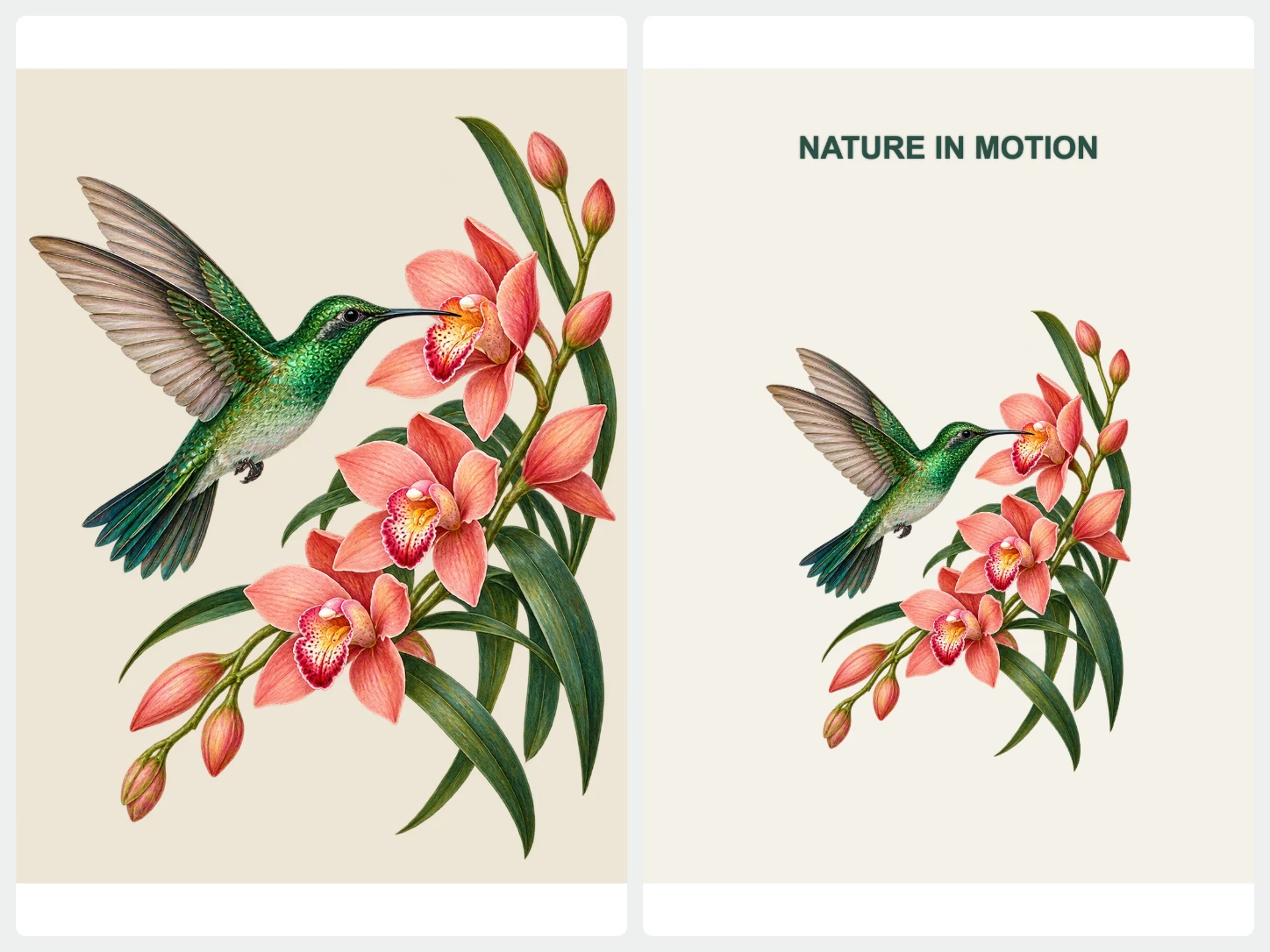
Turn a logo into transparent artwork
Logos often arrive as JPG files with a white or colored box around them, which looks wrong on a dark website header or a product mockup. The logo background remover clears that box, leaving a transparent PNG that you can drop into slides, merchandise, or a brand kit. Check small text and thin strokes before downloading.
The tool works well on scanned sketches, screenshots of icons, and flat illustrations too. Upload the highest resolution file you have, because sharp source pixels give the background remover more detail to keep around small text and thin strokes. Then test the transparent logo on light and dark colors before you send it to a printer or a web developer.
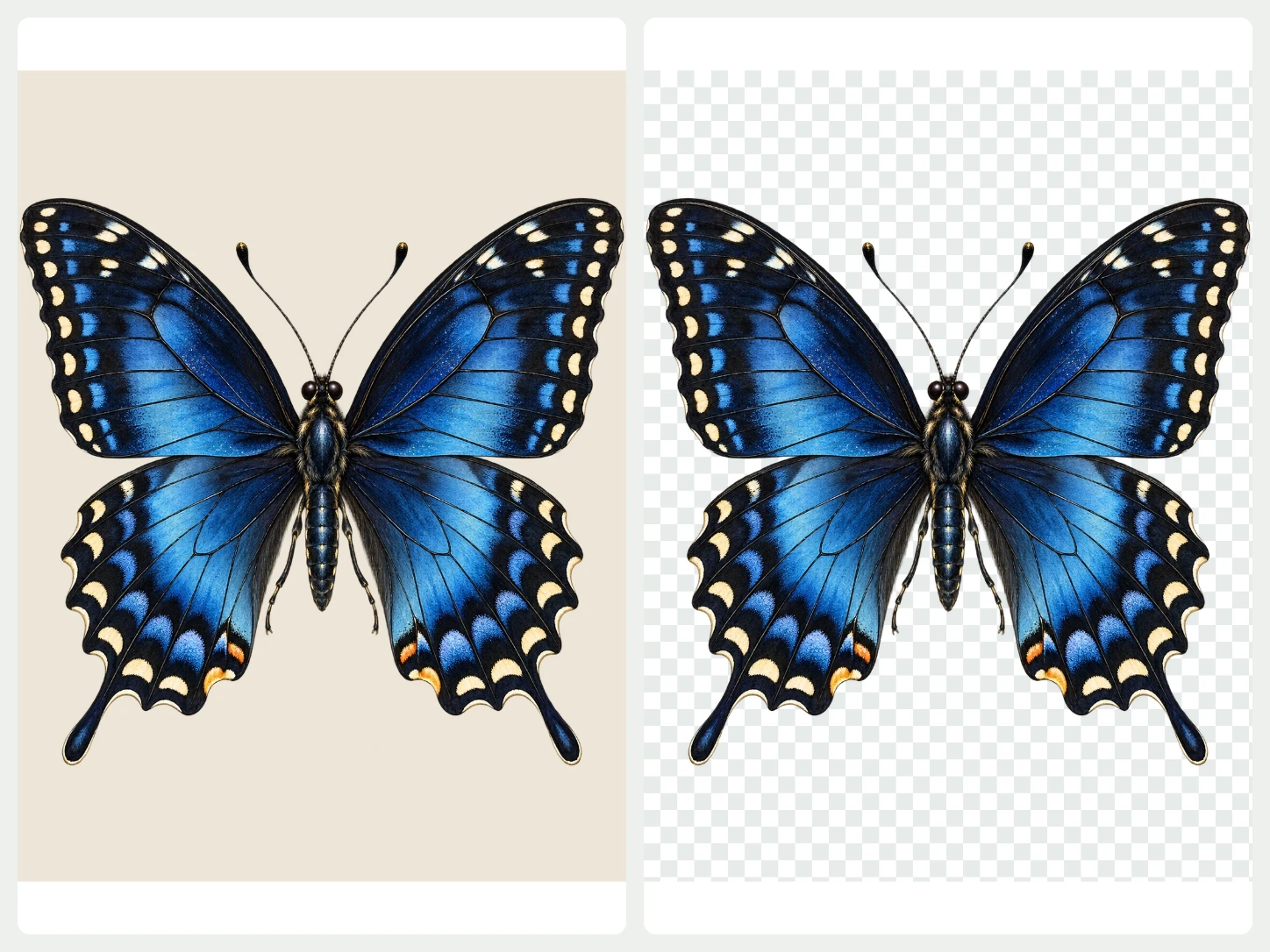
Get a transparent PNG
The background remover separates the artwork from its backdrop and keeps hard edges on letters and shapes. Export a transparent PNG or WebP ready for websites, slides, and merchandise.
Refine your cutout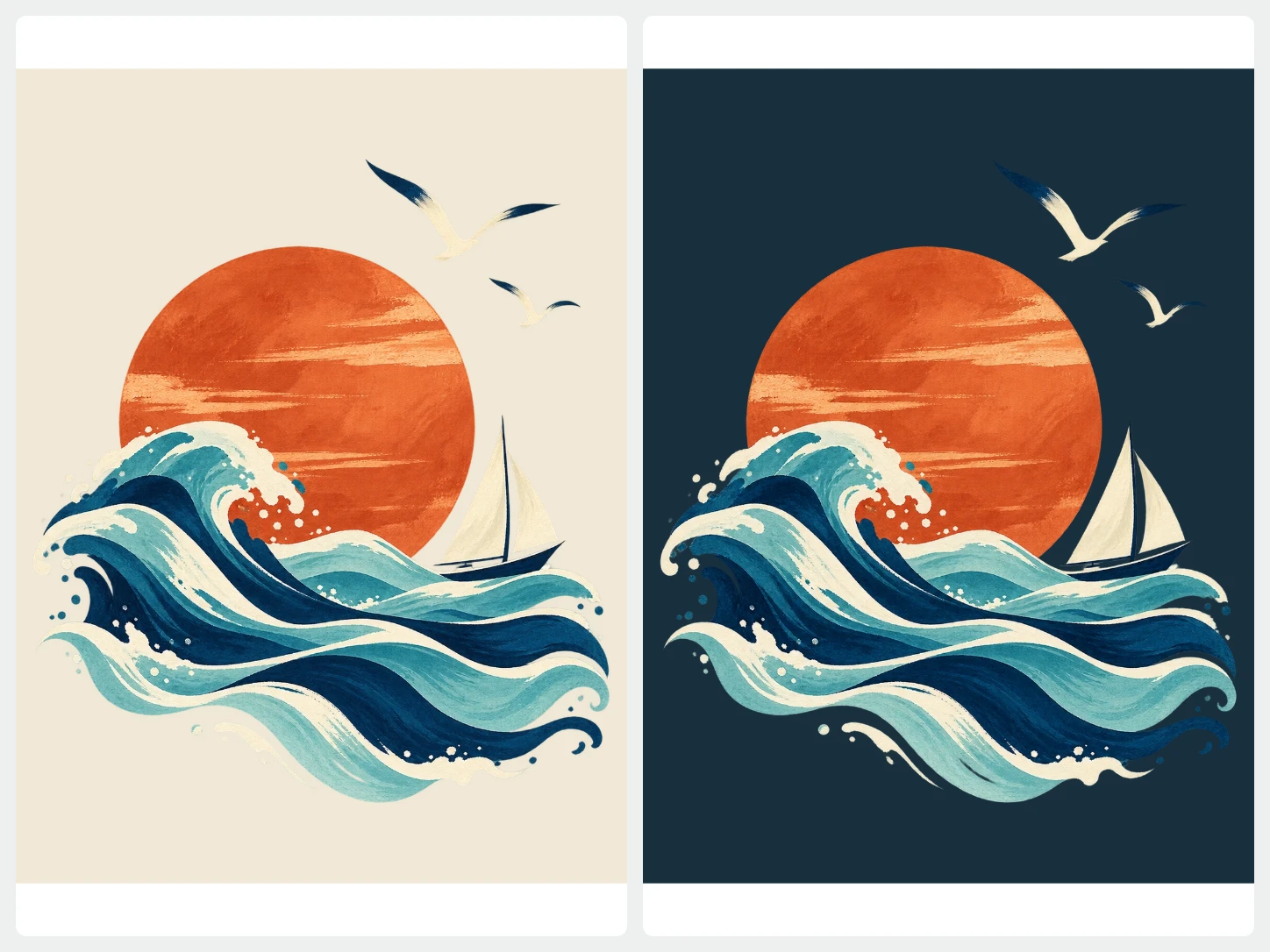
Test the artwork on brand colors
Fill the background with your brand colors to see how the logo reads on light and dark surfaces. Change the color as often as you like before you download.
Choose a background color
Combine graphics with photos
Place your transparent graphic on a photo, add text, and arrange the layout in the editor. Use it for social posts, packaging previews, and presentation slides.
Explore templates and textFrom photo to finished image in three steps
- 01
Upload your photo
Choose one image and the background remover starts at once. For a whole set of photos, open Bulk Editing.
- 02
Edit the result
Keep it transparent or add a color, photo, or AI scene. Refine the cutout, crop it, or add text while you preview.
- 03
Download
Export PNG, JPG, or WebP. Pick PNG or WebP when you need a transparent background.
Questions about BackgroundRemove
Can I remove the white box behind a logo?
Yes. Upload the logo and the background remover clears the solid area around it. Download as PNG or WebP to keep the transparency.
Will thin lines and small text stay sharp?
Clear, high-resolution artwork gives the best result. If a thin stroke disappears, restore it with the cutout brush before exporting.
Can I get a vector file such as SVG?
No. The background remover exports raster images in PNG, JPG, or WebP. Use a high-resolution PNG when you need transparent artwork for print or large screens.
Can I upload more than one image?
The home page handles one image at a time. To remove backgrounds from several photos together, use Bulk Editing, which needs an account and image credits.
Which image types can I upload?
You can upload PNG, JPG, JPEG, WebP, or AVIF images.
Can I review the result before I download it?
Yes. Compare the original with the cutout, zoom in on the edges, and refine them with the brush before you download.